Review·b2b sales stack·Updated July 2026·6 min read
Close CRM Review: A Sales-First Platform With Clear Tradeoffs
Close is designed for sales teams that want calling, email, SMS, pipeline management, and follow-up in one CRM. Its strongest fit is a phone-first sales motion; teams that need deep marketing automation or highly customized enterprise workflows should compare alternatives carefully.
Most CRMs add calling through integrations. Close takes the opposite approach: calls, email, SMS, tasks, and deal tracking sit inside the same sales workspace.
That design is attractive for startups and small sales teams running structured outbound. It is less compelling for organizations that need elaborate approval paths, broad marketing automation, or Salesforce-level customization.
Close's current public plans range from a Solo tier for individual reps through Scale for high-volume organizations. The buying decision is not whether Close has more features than every CRM; it is whether consolidating sales communication around the pipeline removes enough tool and workflow complexity for your team.
This review uses Close's public product and pricing information to map the platform's fit, limitations, and plan boundaries. It does not claim a Purple Orange deployment or measured performance result.
What works
Calling, email, SMS, and pipeline activity in one workspace
Automatic call logging and recording
Power and predictive dialer options on higher plans
Interface designed around sales activity
Browser and mobile access for distributed teams
What doesn’t
Limited customization compared to Salesforce
Weak marketing automation features
No advanced reporting or dashboards
Higher per-user cost than some competitors
Advertisement
Calling Features: Close's Core Advantage
Close places calling directly beside lead, contact, and opportunity records. Calls can be logged on the activity timeline, and higher plans add capabilities such as power or predictive dialing, call coaching, and longer recording retention.
The practical advantage is consolidation: reps can work from the same record they use for email, SMS, notes, and follow-up tasks. That can reduce tool switching, but the value depends on whether the team actually uses calling as a primary channel.
Before buying, validate number availability, recording and consent requirements, included calling or AI credits, and the dialer features on the intended plan. Those constraints matter more than generic claims about call volume or answer-rate lifts.
CRM Capabilities: Solid But Not Sophisticated
Close covers standard CRM functions including contact management, deal tracking, pipeline views, and a combined timeline for email, call, SMS, and task history. Its product is centered on sales execution rather than Salesforce-level customization.
Teams can configure pipelines, stages, fields, workflows, assignments, and standard sales reporting. Organizations with complex approvals, highly customized objects, or advanced analytics should map those requirements to the intended plan before purchase.
Close connects with Gmail and Outlook and publishes additional integrations plus an API. The relevant test is whether the team's required communication, field mapping, reporting, and automation paths work together in a representative pipeline.
Pricing: Straightforward But Not Cheap
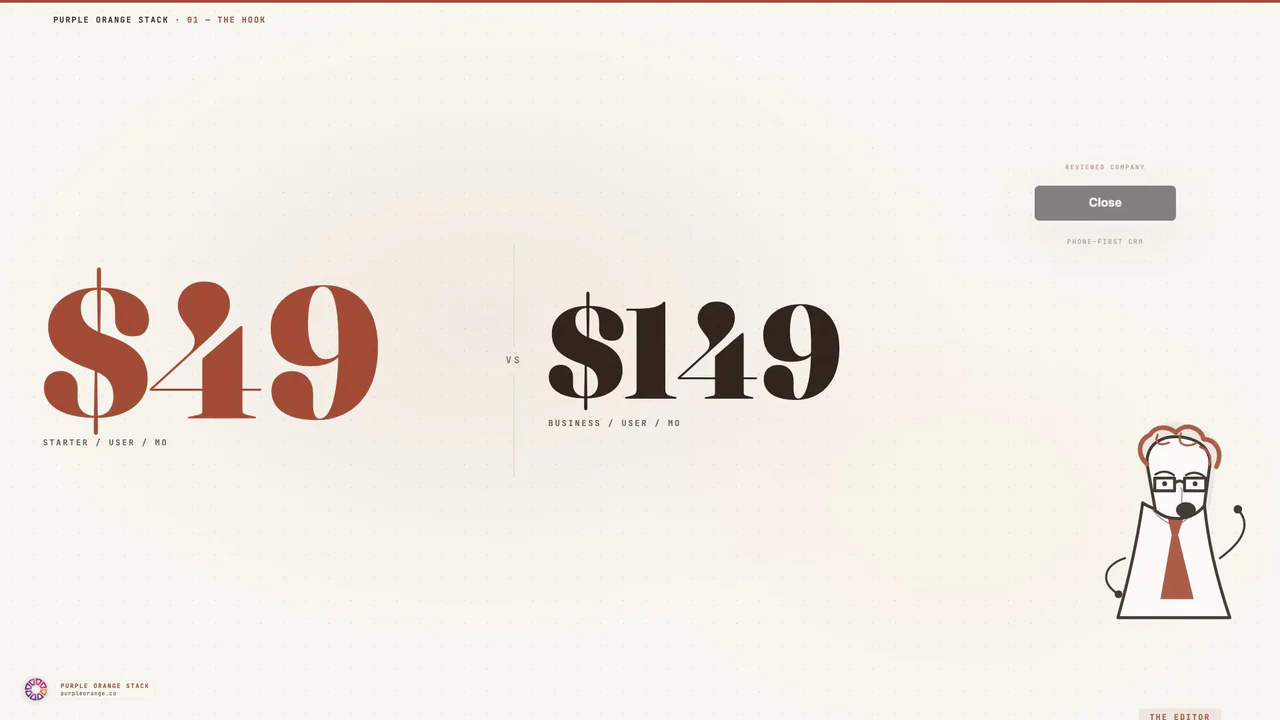
Close currently lists four public tiers. Monthly pricing starts at $19 per user for Solo, $49 for Essentials, $109 for Growth, and $149 for Scale. Annual billing lowers the published per-user rates to $9, $35, $99, and $139 respectively.
The important comparison is feature fit rather than the entry price alone. Dialer modes, workflow controls, permissions, coaching, recording retention, and included AI credits vary by tier, while add-on usage can change the effective cost.
Model the total cost against the separate CRM, dialer, SMS, automation, and recording tools Close could replace. If the team will not use those consolidated capabilities, a lower-cost general CRM may be the stronger choice.
Integration Ecosystem: Limited But Focused
Close publishes integrations for common email, calendar, calling, and automation workflows, with Zapier and an API covering additional connections. Its ecosystem is narrower than HubSpot's or Salesforce's.
Teams that depend on specialized marketing automation, analytics, or custom data synchronization should inventory every required connection before purchase. Middleware can bridge gaps, but it also adds cost and another failure point.
The API supports custom work, but that should be treated as implementation scope rather than a free substitute for a missing native integration. A short proof of concept with the team's actual systems is the safest evaluation path.
User Experience: Built for Speed
Close's interface is organized around lead records, activity, pipelines, and communication. That sales-first structure can reduce navigation for teams whose daily work is calling, emailing, and advancing opportunities.
Ease of adoption still depends on the data model, pipeline design, calling setup, permissions, and integrations. A trial should include the people who will manage the system as well as the reps who will use it.
Teams with complex workflows or analysis requirements should test filtering, bulk actions, dashboards, exports, and reporting before choosing a plan. A streamlined interface is useful only if it still supports the controls and visibility the organization needs.
Research desk · verified pricingCaptured June 2026
Close is a strong candidate for sales teams that want calling, email, SMS, tasks, and pipeline activity in one workspace. Its case is strongest when a phone-first motion makes those native communication tools central to daily work.
Organizations that need extensive customization, broad marketing automation, or sophisticated enterprise reporting should compare HubSpot, Salesforce, and Pipedrive. Use Close's trial to test one real pipeline, a representative import, calling coverage, and the required integrations before choosing a plan.
Answered by The Editor, with notes from Atlas and Roxy.
Is Close CRM worth the higher price compared to alternatives?
Close can justify its price when a team will use the built-in calling, email, SMS, and workflow features instead of paying for separate tools. Teams with a light calling motion should compare simpler CRMs because much of Close's value is tied to sales communication.
Can Close handle complex sales processes with multiple stakeholders?
Close supports configurable pipelines, custom fields, workflows, and role-based controls, but organizations with elaborate approval paths or highly customized data models should compare its limits with enterprise CRMs before committing.
How does Close's calling quality compare to dedicated phone systems?
Close includes native calling and call recording, but quality and availability depend on region, network conditions, and plan. Teams with strict telephony requirements should validate coverage and call quality during the trial.
Does Close work well for remote sales teams?
Close offers browser and mobile access for distributed teams. Remote organizations should still test calling coverage, recording requirements, and local-number availability in every region where reps operate.
What's Close's biggest limitation compared to other CRMs?
Limited customization and weak marketing automation features. Teams needing complex workflows, advanced reporting, or tight marketing integration will hit walls quickly.
How long does Close CRM implementation typically take?
Setup time depends on migration volume, workflow complexity, calling configuration, and integrations. Close provides a trial, so teams should validate one representative pipeline and data import before setting a rollout timeline.
Analytics run in a privacy-safe, cookieless mode by default. Accept to enable
full analytics and personalized ads, which helps keep this research free. See our Privacy Policy.